As the most commonly used digital peripheral tool, I have bought a lot of notebook stands before. The laptop stand has many functions, you can find the right visual angle, effectively improve heat dissipation, etc. However, it was always impossible to find an ideal laptop stand until this ORICO docking station stand appeared. So, why, this ORICO docking station stand is exactly what I need? There are two key factors: excellent workmanship and easy expansion with HUB functionality. Below, I will share my experience with this product.
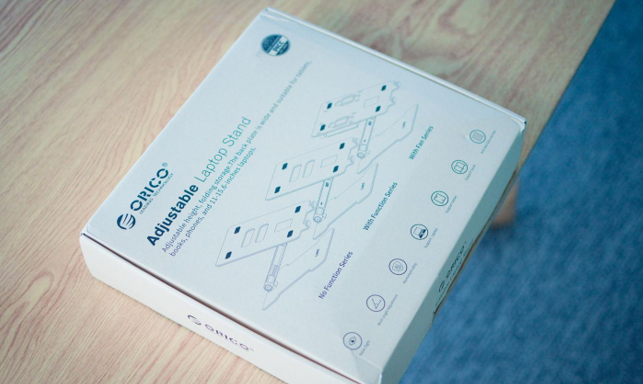
The ORICO docking station stand has a lot of functions and features, and it feels heavy and textured when you get the box.
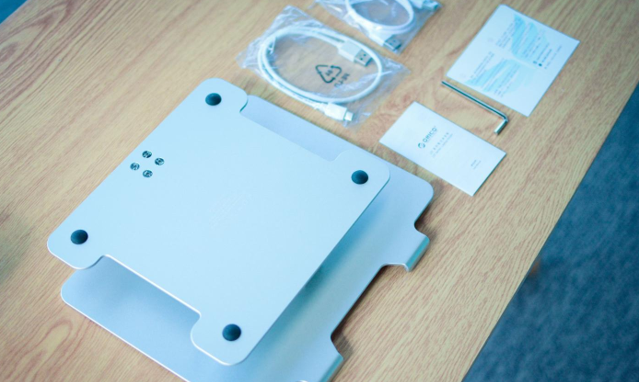
Packing list of ORICO docking station stand: ORICO docking station stand, instruction manual, hexagon, USB-A TO C cable, MicroUSB cable. Why, have a MicroUSB cable. The reason is to ensure the power supply of the expansion port, which can be connected to an external power supply.
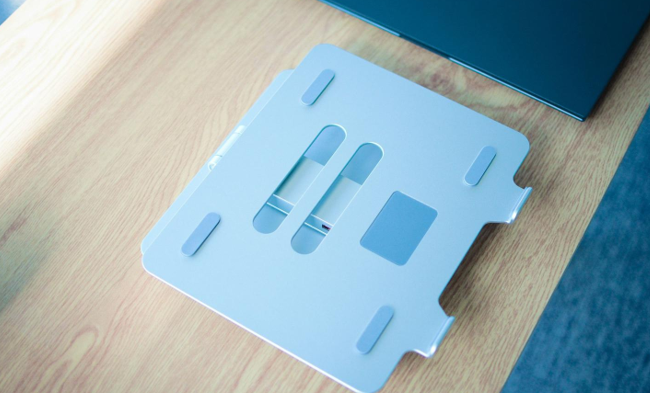
ORICO docking station stand, the first feeling is that it is almost entirely made of aluminum alloy, and the overall is very thick, on the one hand, the load-bearing is stronger, on the other hand, the rotating shaft designed by the bracket is relatively tight, and it takes force to open the rotation, and the thick plate does not feel cut. The load-bearing plate is designed with two large-sized heat dissipation holes, as well as 6 thick silicone pads (4 on the front and 2 on the lower two trays), which can effectively protect the D-side of the notebook from scratches.
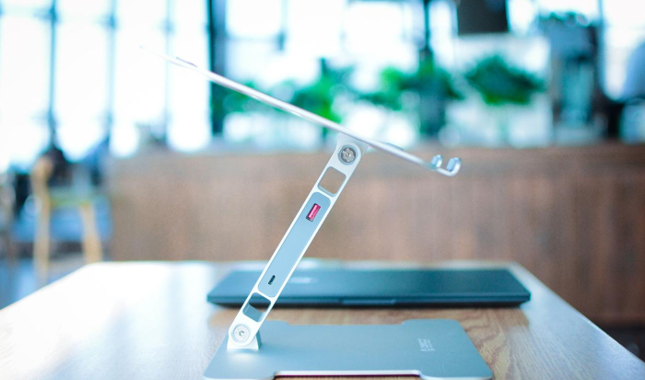
On the left side of the bracket, there is a USB3.0 + MicroUSB palace port, which supports 5V/2A input.

On the right, there are dual USB3.0 ports + SD ports. Here you can see that the load-bearing plate above supports 360° rotation! It can be said that the ultra-large angle of rotation easily adapts to various usage environments. Moreover, the hinge is very strong and can stably bear all kinds of notebook products on the market.
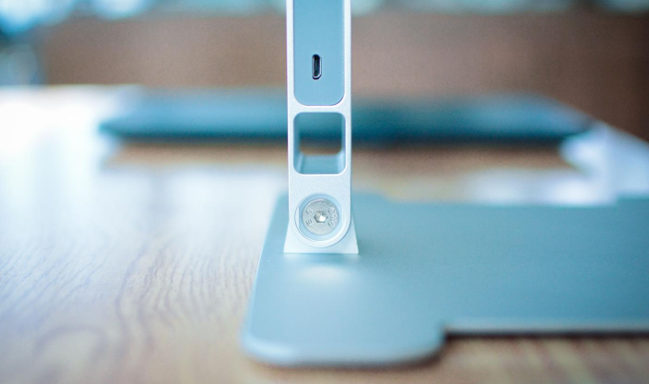
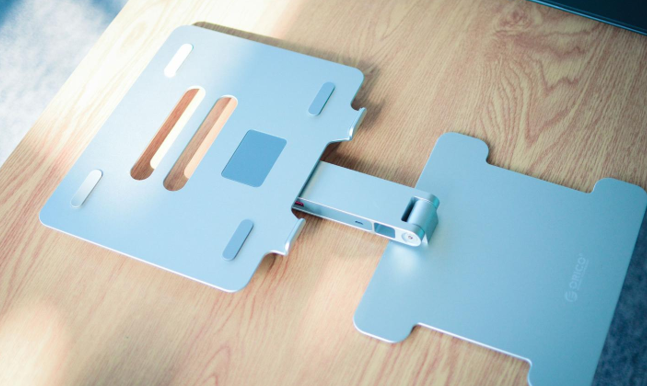
The rotating shaft at the bottom of the bracket also supports 180° rotation.

There are also 4 silicone pads designed at the bottom, which can bear a stable load. Overall, in terms of appearance design, I think the ORICO docking station stand is really good, the appearance is beautiful, and the hinge is really tight (you can adjust it with tools, but I think it is still more firm than the factory setting). So, what about daily use?

As you can see, this is the style of daily load-bearing notebooks, which can be significantly raised, and the cervical spine will be much more comfortable when using the notebook.

Adjust the angle at will, and you can always find the most suitable angle for yourself.
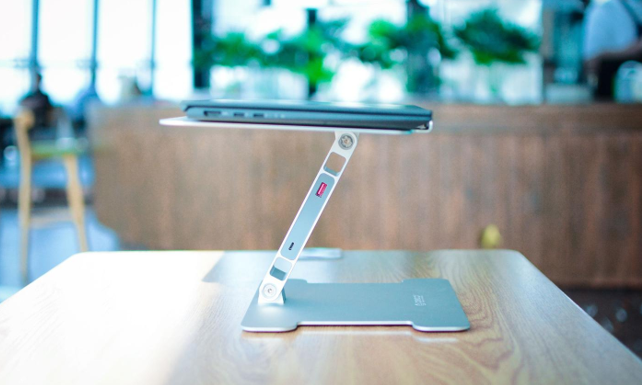
When you don't use your laptop on a daily basis, you can also place it like this. The ORICO docking stand has a super weight capacity, so there is no problem at all to place your laptop.
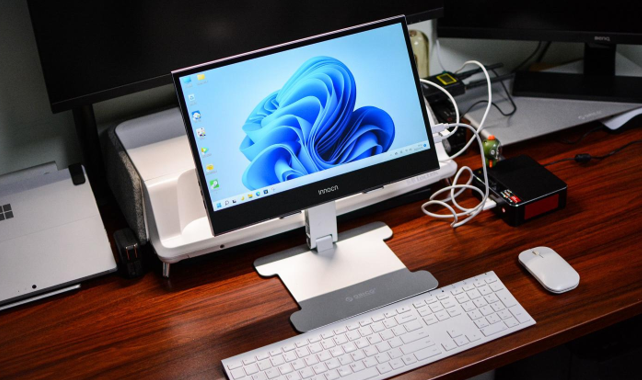
Moreover, it can not be used simply on notebooks. ORICO docking station stand also supports a wide range of product sizes. For example, this 15.6-inch portable screen is very good to use.
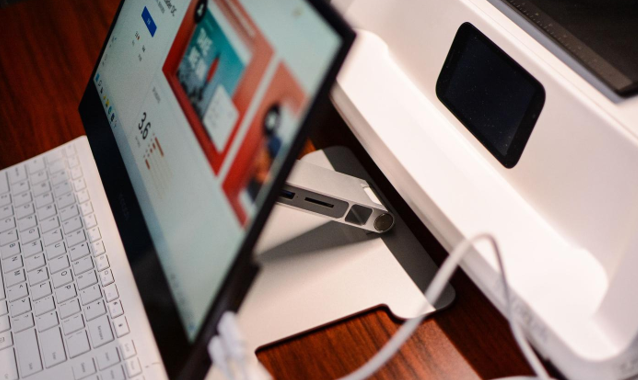
You can take a look, in terms of load-bearing, the ORICO docking station stand is absolutely unparalleled, even if it is a relatively heavy portable screen, it can still be easily and stably.
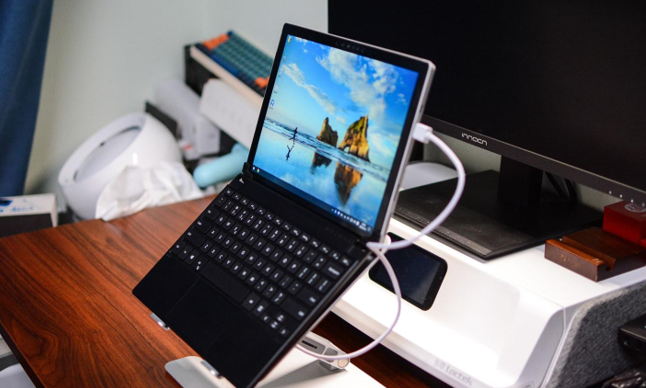
So is the role of the docking station great? The answer is yes, at present, many thin and light notebooks lack sufficient data interfaces, especially USB-A interfaces, although they are widely used, but there are very few of them that are generally configured at present. For example, the Surface I use every day only has a USB-A port.
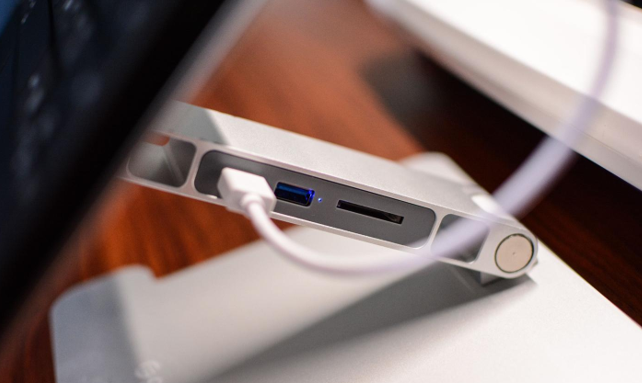
With the ORICO docking station stand and the USB3.0 standard supported, expansion is no longer a problem! Moreover, the ORICO docking station stand also has an indicator light to clearly know the current usage status.
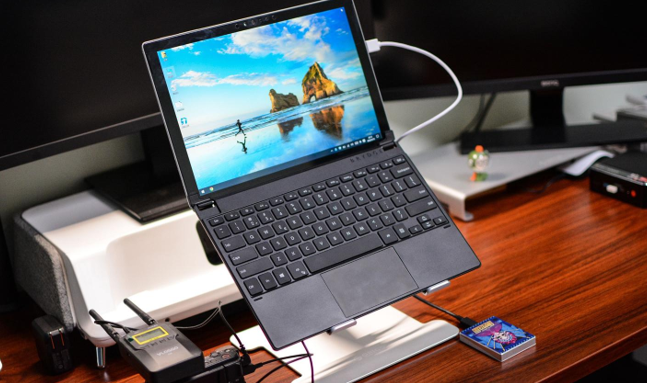
3 USB-A ports can easily connect multiple external devices, such as cameras, hard drives, etc.; Of course, when there are many devices, you need to use the MicroUSB interface for power supply.
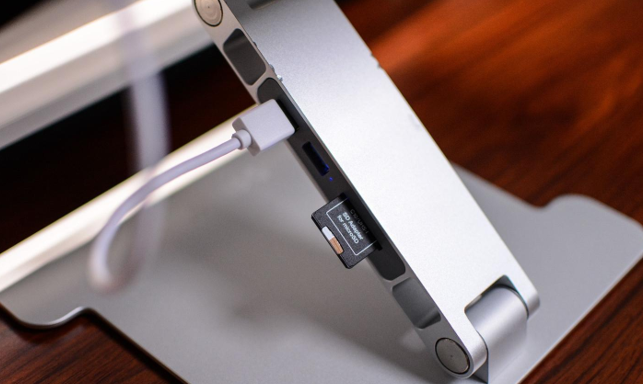
The SD card slot is too convenient, the current camera is still an SD card, often need to export photos and videos, and finally can be quickly exported to the computer without connecting to a data cable.
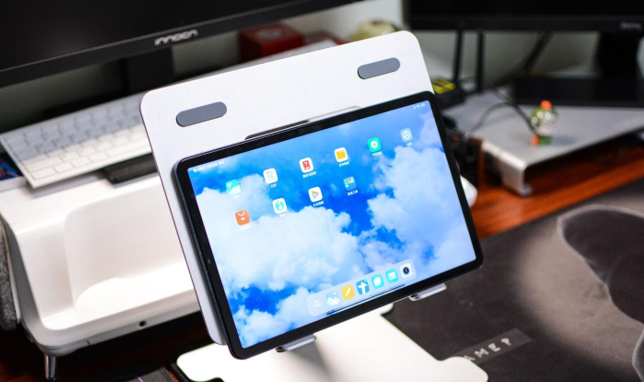
Moreover, the ORICO docking station stand has many application scenarios and can also be applied to a variety of digital products, such as tablets and even mobile phones, which is very suitable. Overall, the ORICO docking station stand is really a very good product. Adhering to ORICO's consistent excellent workmanship, it also functions as a docking station. The only drawback is that there is no USB-C interface designed, which would be better if it was designed. However, the ORICO docking station stand is available in three versions, as well as a non-interface version and a USB-A 3.0*4 version to meet more needs. The use of this time is very satisfying and worth having!