The author studied mechanical design and manufacturing in college, and his graduation project was a pipe carding robot; And I have always loved digital and love all kinds of robots. In recent years, I have purchased a lot of various robot products, but overall I am not satisfied. Pseudo-intelligence, unexpandable, and single function, really cannot be called a robot. Even a lot, it's just a remote control toy car + voice module.
However, this time I paid attention to the desktop robot from CEO Da Li to the launch of the product. During the period, I was very interested in the design concept, appearance, walking, function, etc., and I also started it as soon as it was launched. Today, I would like to share the hands-on experience of this truly intelligent robot.
Skip the packaging list (if you are interested, you can take a look, and at the same time give away a charging cable + wireless charging pad), let's talk about the appearance design of the product first.
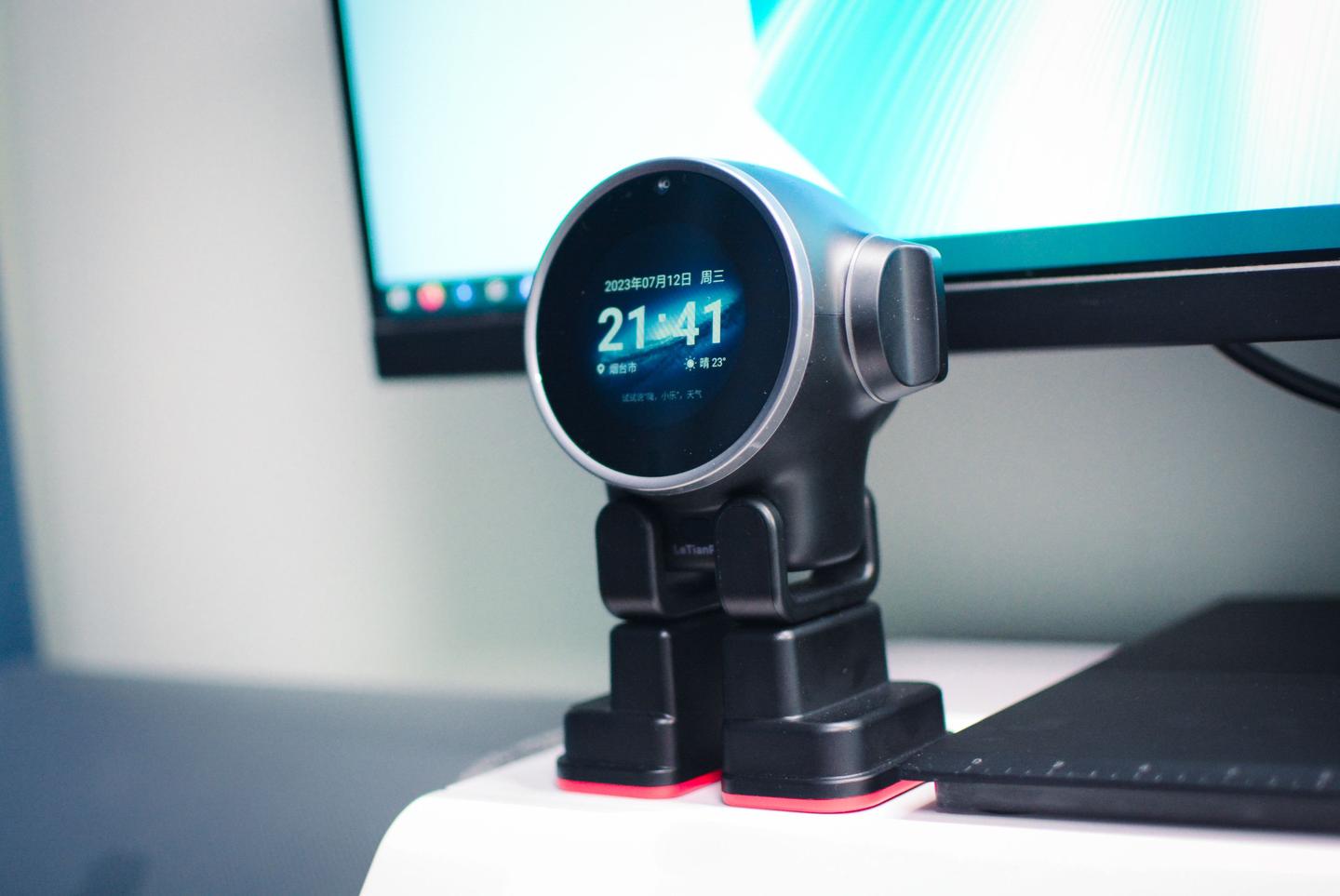
The basic composition is a 2.1-inch round screen, which is also a window for the function display of the optimistic desktop robot, reflect the mood and interact with the owner.
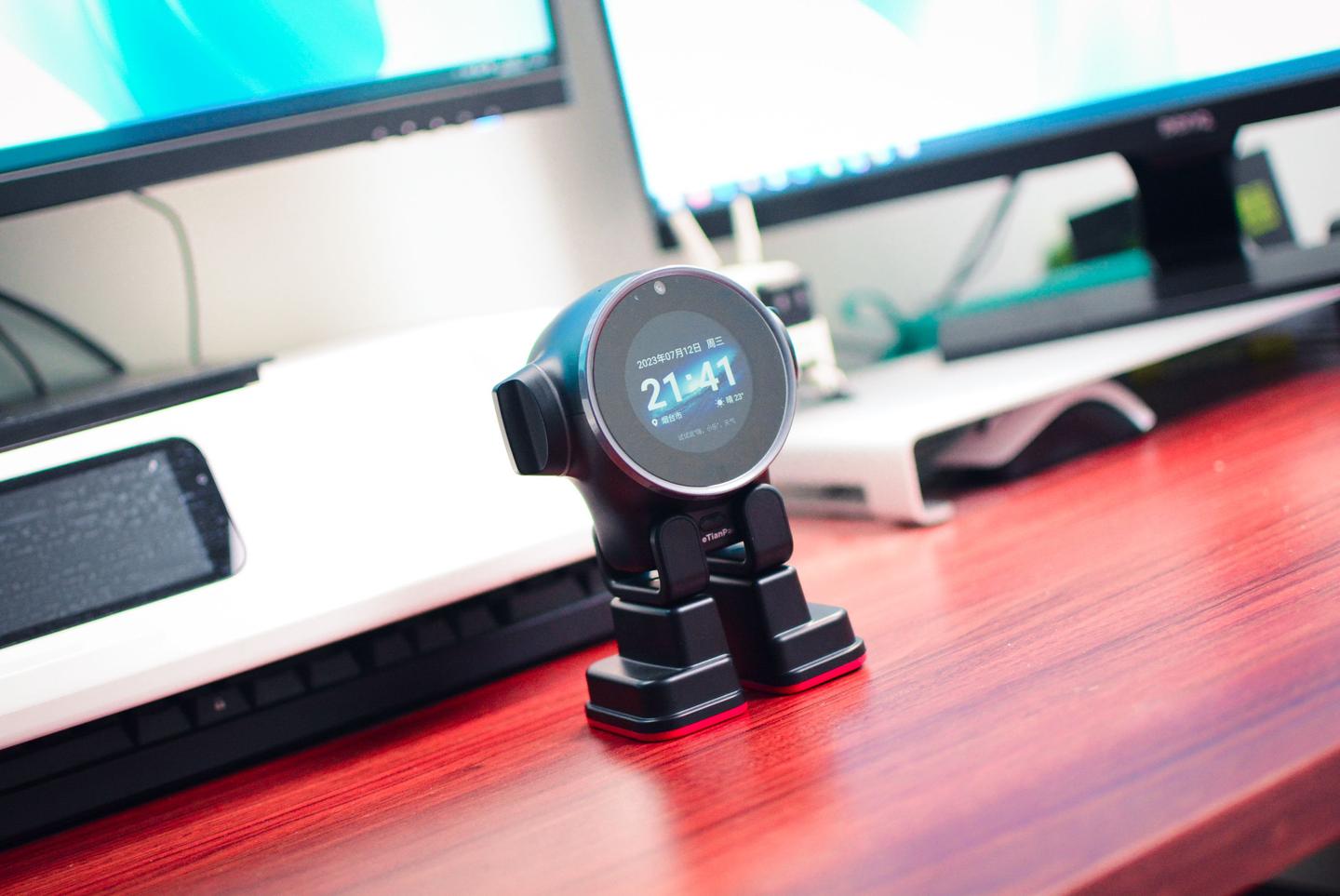
The height of the optimistic desktop robot is 15.5CM, and it can be seen from the appearance that the basic structure is head + legs; As a robot that supports walking, the legs + feet are very flexible, plus the clutch digital micro servo in the two "ears", there are a total of 6 sets of power systems.
Rakutenpai desktop robot supports a variety of actions such as forward, turning, walking backward, and stomping, and it is believed that with the subsequent OTA upgrade, more walking instructions can also be realized.
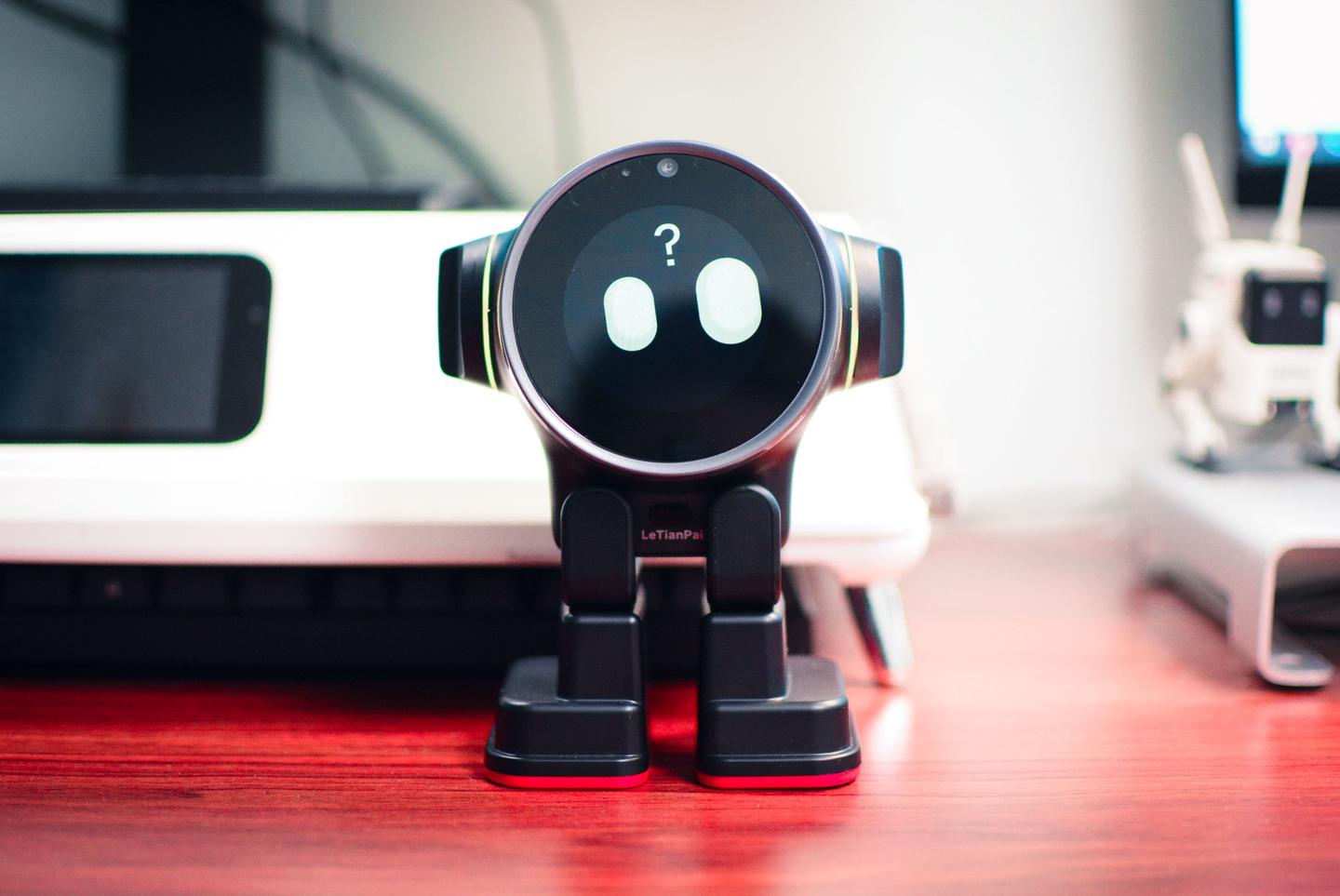
The Rakutenpai desktop robot is composed of more than 800 precise components, including multiple sensors such as sound, light, and space.
So the question is: what function do so many sensors achieve? Answer: Interactive.
That's right, I think interaction is the core concept of optimistic desktop bots. Desktop robots, the main focus is desktop tools + companionship + personal assistants. Not only voice communication, but also the owner's motion capture recognition (such as playing games in the air), monitoring the edge of the desktop when walking, and so on. Of course, including voice calls, video calls, and monitoring functions are even easier.
The picture above shows the optimistic desktop robot listening to voice commands, pay attention to the voice is not a simple question and answer, but continuous listening, shouting "Hi Xiaole" (voice command can also be selected) can ask questions continuously.
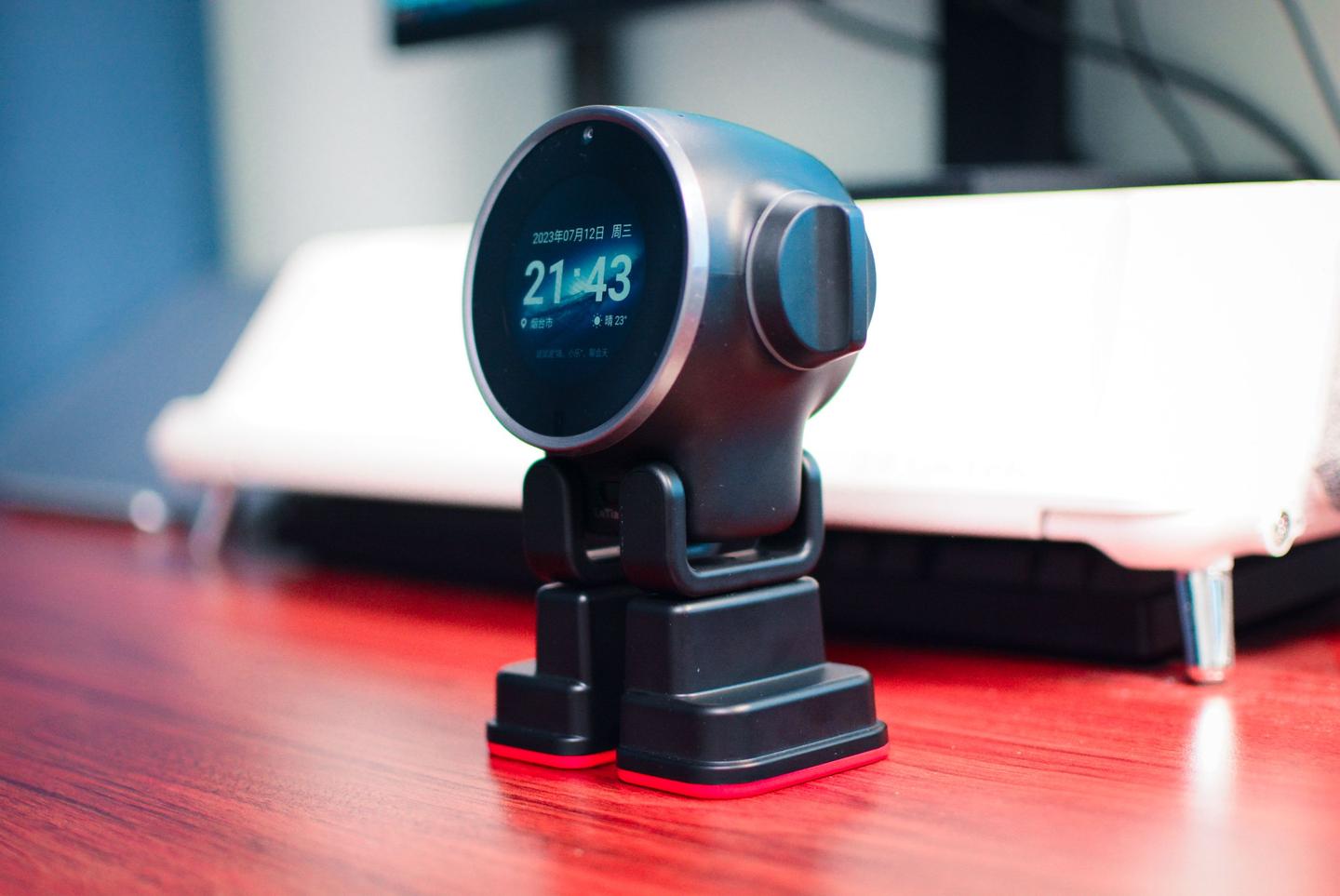
The appearance is cute and cute, and the two ears will rotate when interacting, which not only looks very cute in pet mode, but also gives users a better sense of interaction when interacting.
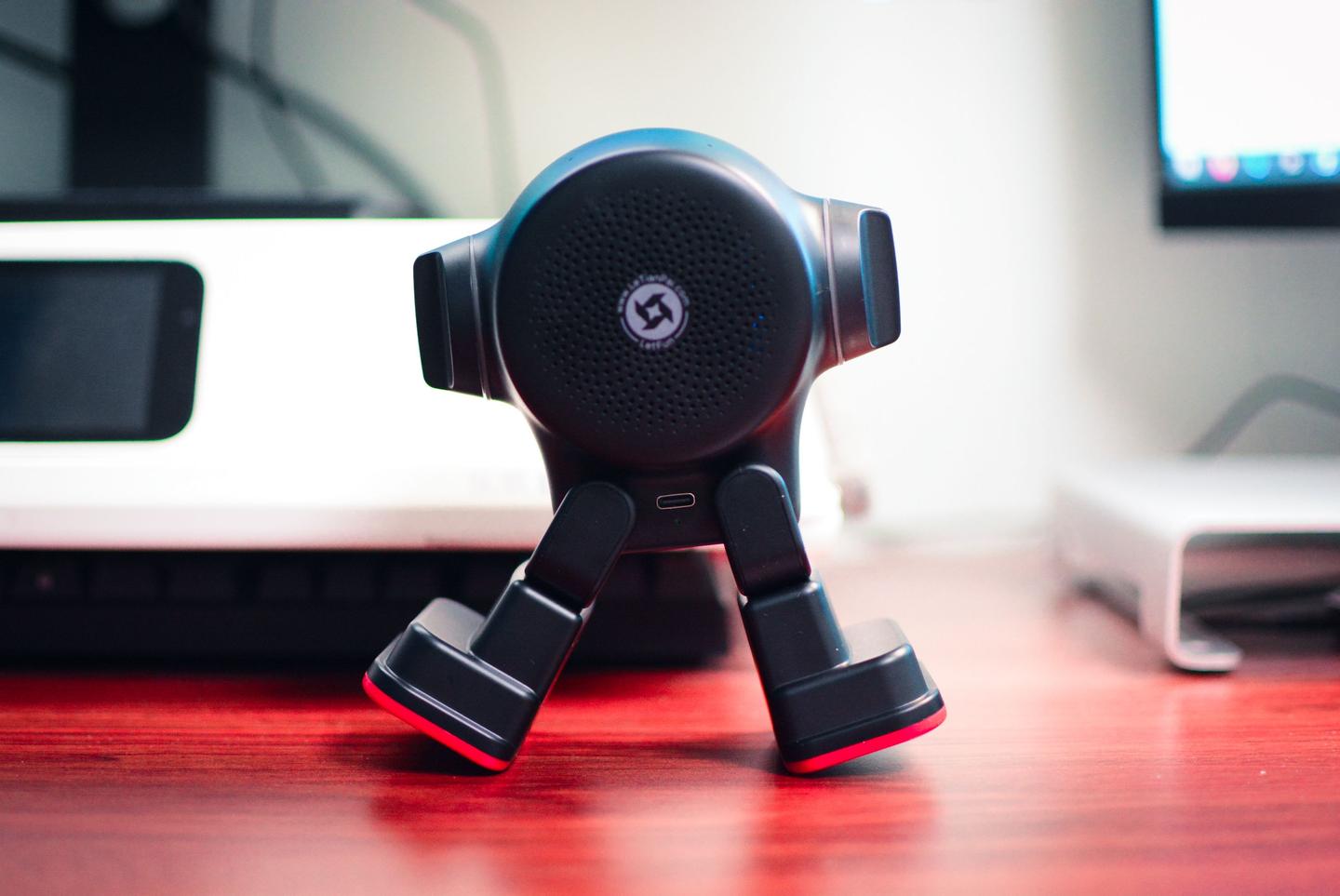
The speaker has a power of 3W and the sound quality is acceptable; Considering the more sophisticated components and compact body, it feels acceptable.
In order to receive instructions, a paperclip series of four microphones is designed for accurate speech recognition.
The Type-C interface is located on the back, with a built-in 2650mAh lithium battery; Because I often place it on the wireless charging pad every day, I hardly pay much attention to the power consumption, and it has always been practical on the desktop, and when not in use, I directly place it on the charging pad and put it in a long power state.
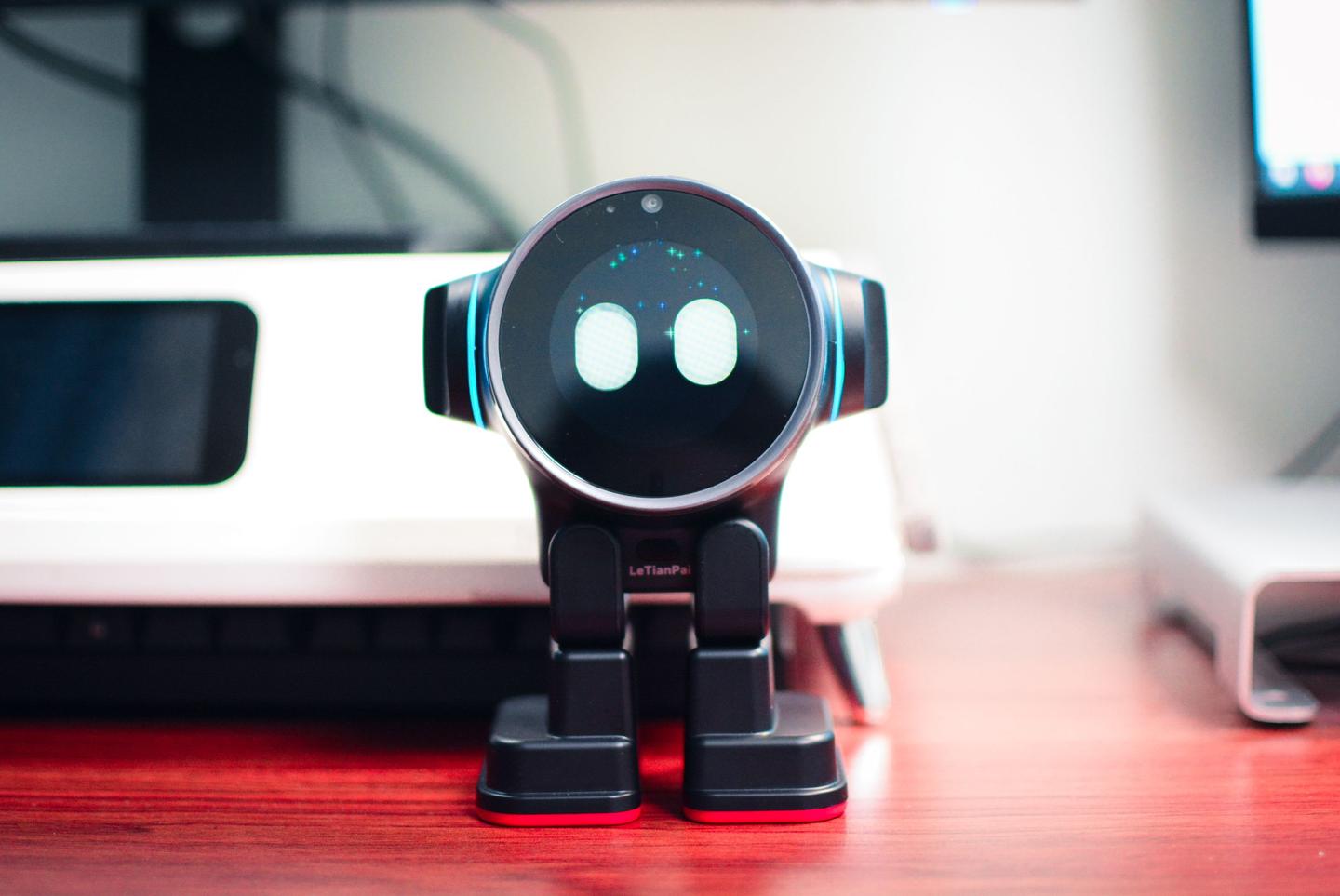
What I didn't expect was that the two ears also had RGB ring lights.
Every time we communicate, the ring light in the ears, the sound of mechanical rotation, the different movements of the two feet, etc., all make me feel that the optimistic desktop robot is a robot that can really understand my speech. Of course, its own voice function is very powerful, all kinds of Q&A, voice commands to walk and turn, set schedule alarm clocks, change the displayed content (a lot, weather, schedule, hot news, stocks, pet mode, everything).
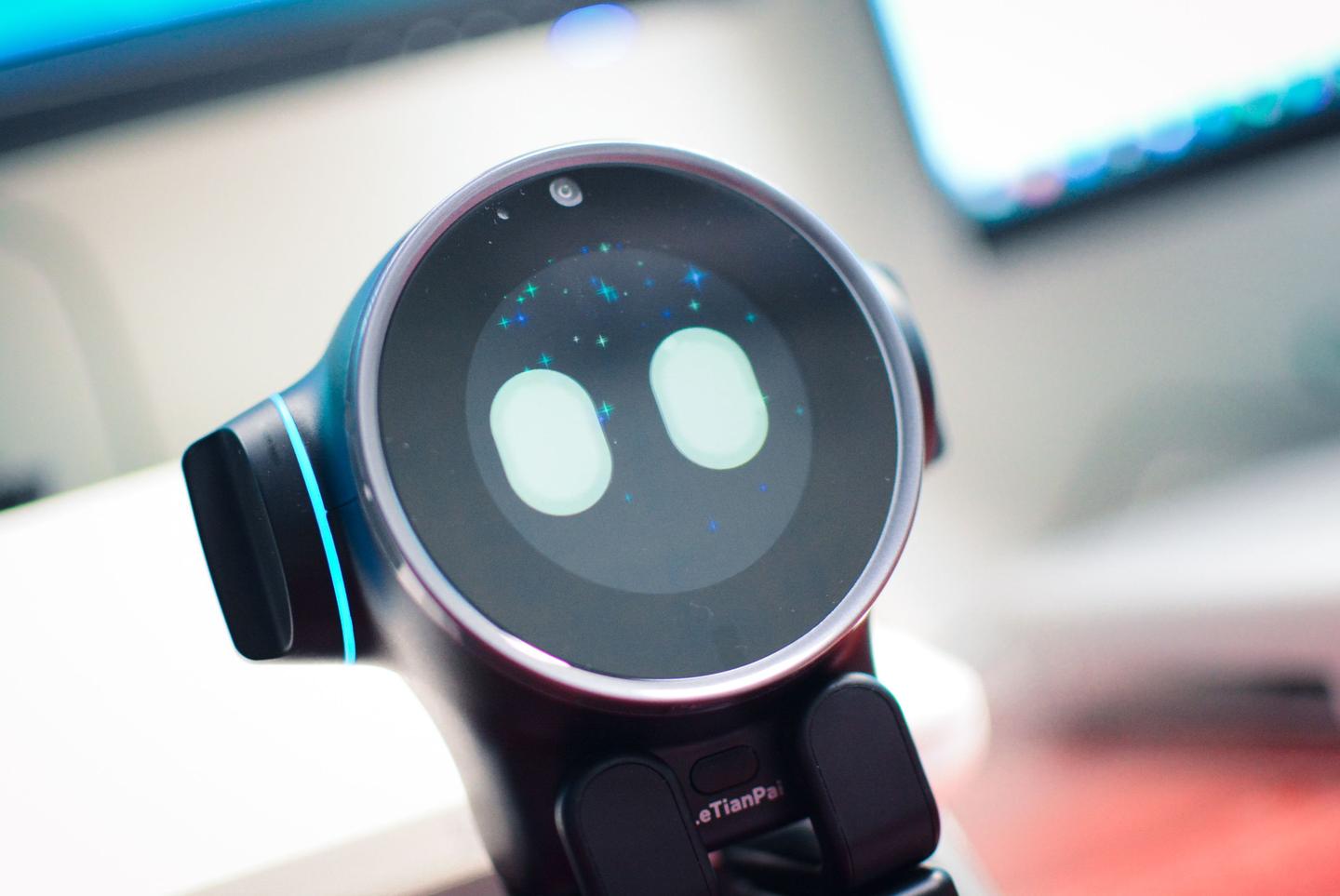
Using the optimistic desktop robot, you can also directly order songs, listen to stories, and play the song with small stars all over the screen, and the optimistic desktop robot will also dance along, which feels incredible.
Speaking of which, the Rakutenpai desktop robot supports a variety of rich expressions and also supports sleep......
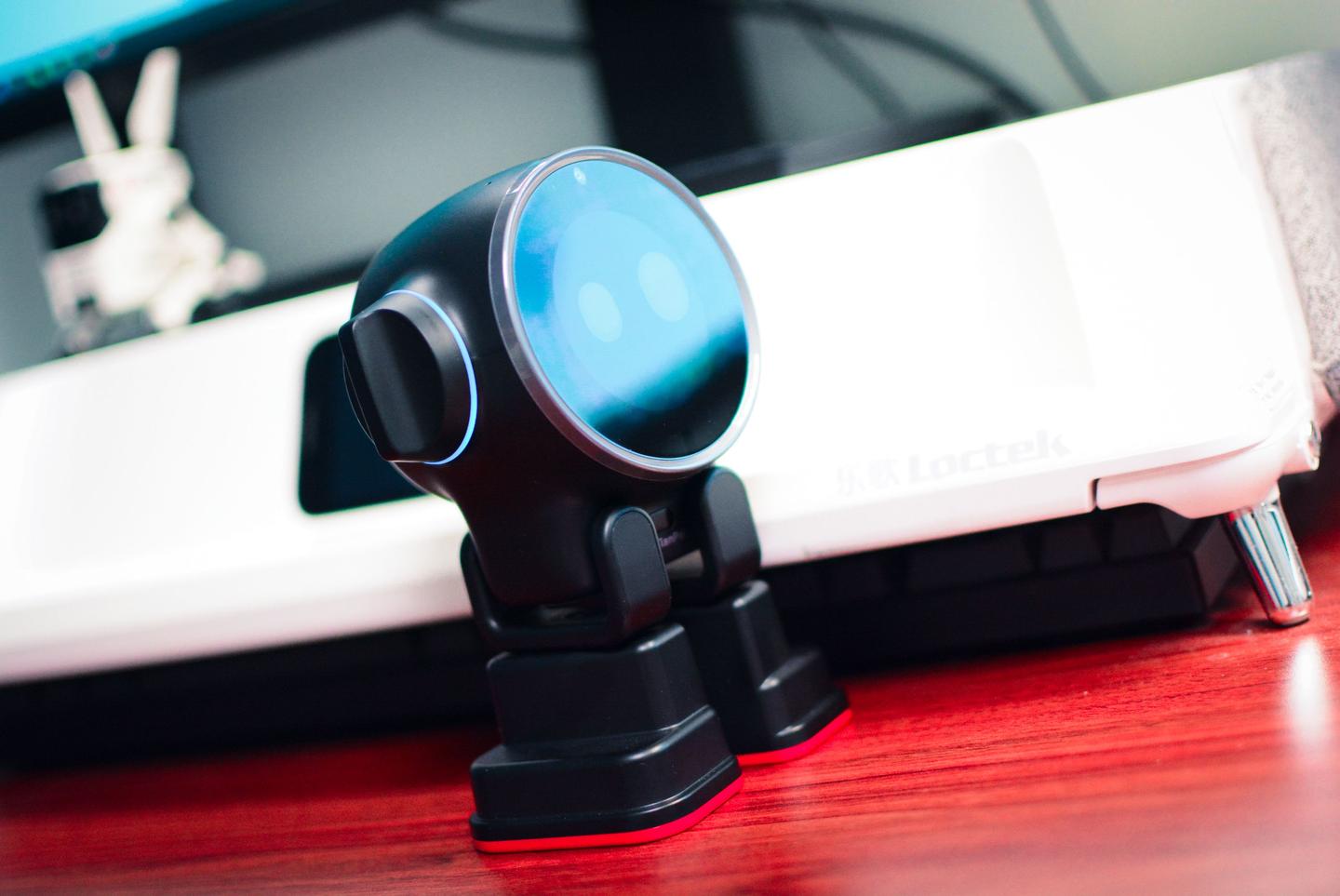
In addition, the Rakutenpai desktop robot supports various OpenAI chats, and currently supports the Spark cognitive large model for switching, which is a robot with no limits in the true sense.
As I communicated with it, as it turned to look at the screen, I had a feeling that it had awakened itself.
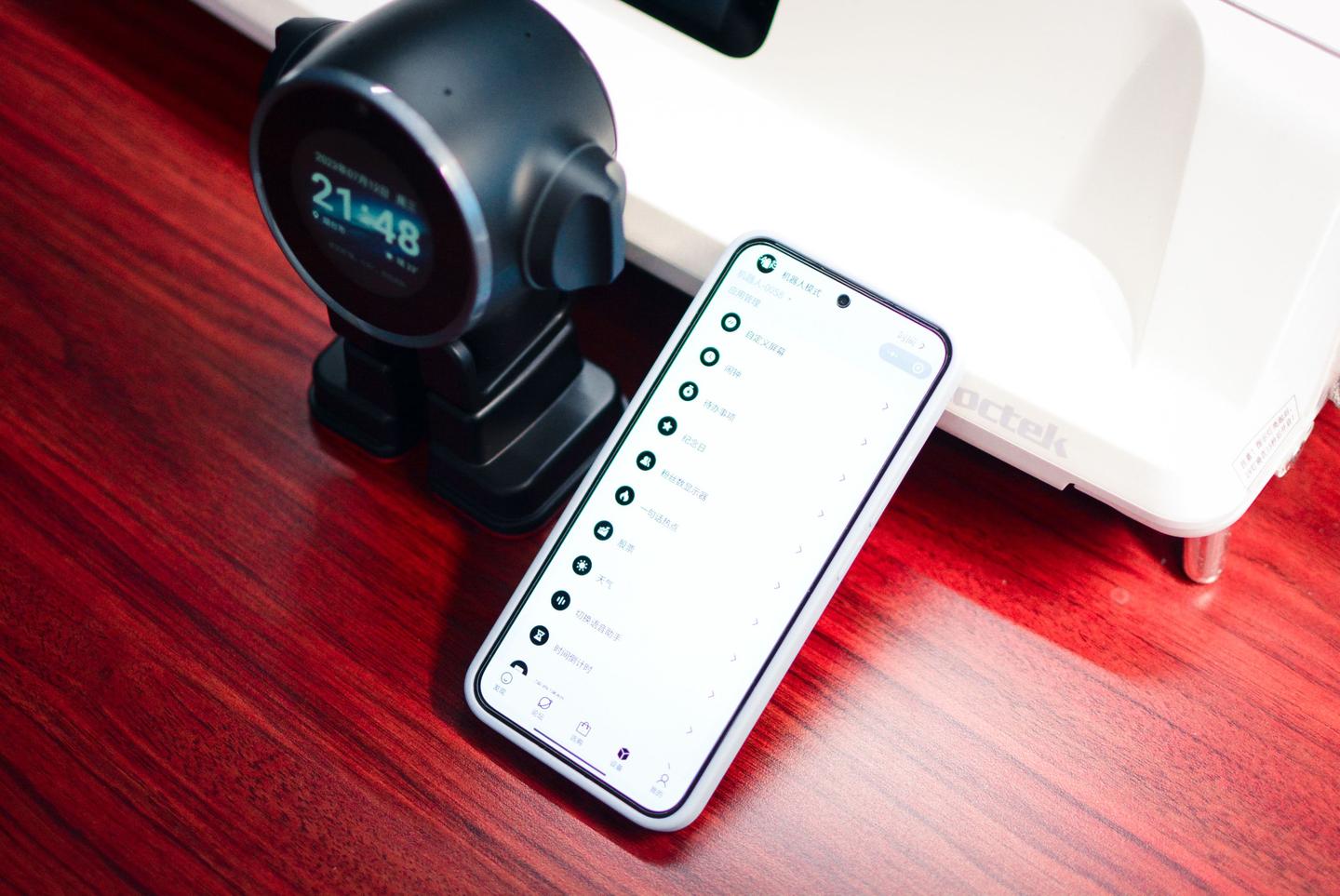
In fact, the reason why the optimistic desktop robot is called the Android robot in the true sense is because the built-in Android system supports ROOT and also supports the custom installation of various APPs; Supporting native Linux allows developers to develop.
At present, various functions can be experienced in the mini program, and the space for subsequent OTAs is unlimited, so we can expect to open more functions.
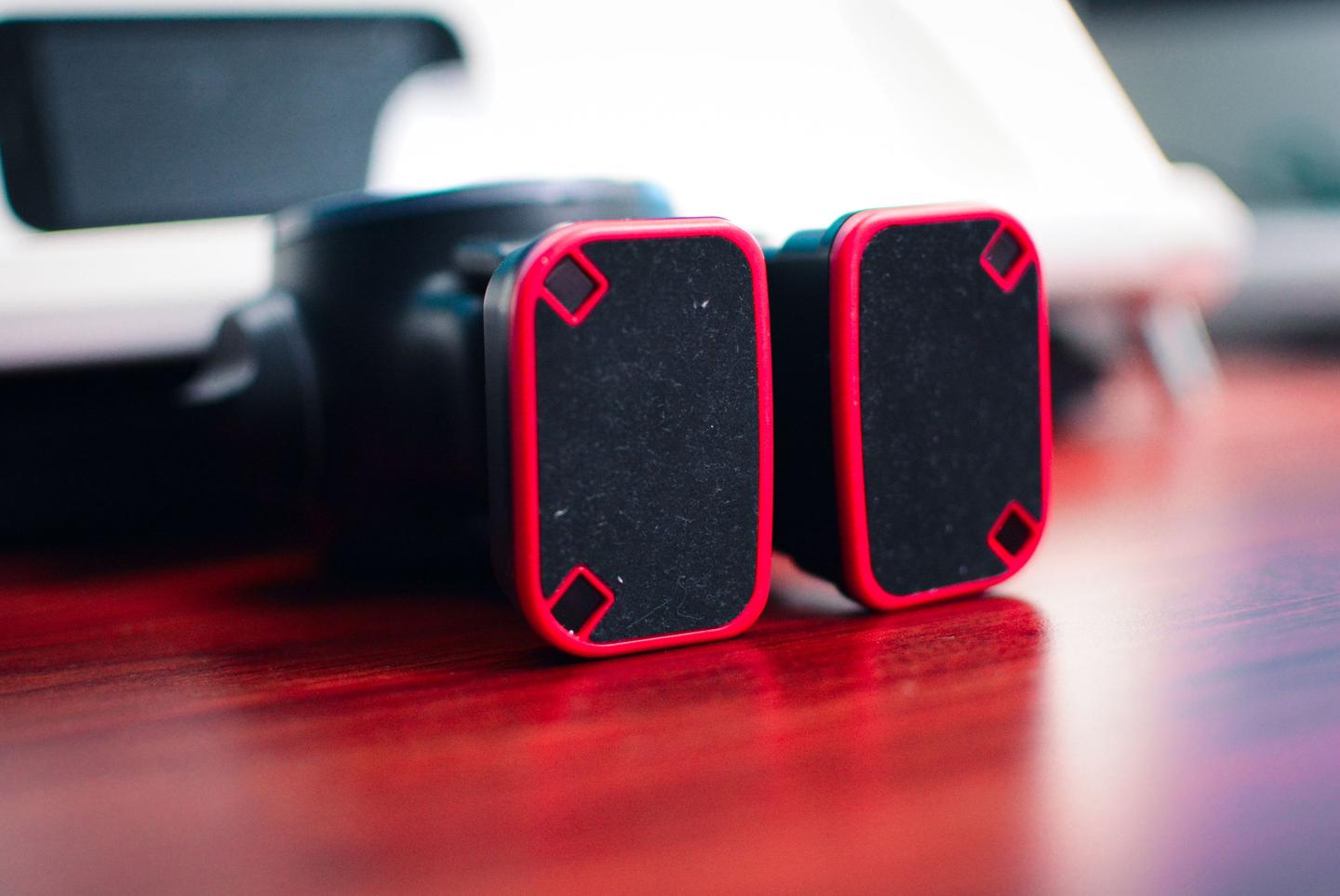
There is both a wireless charger and a sensor on the foot.
OK, about the initial hands-on experience of the optimistic desktop robot, here is the introduction first; These functions are just one of the grand functions of the Rakutenpai desktop robot, because OTA+ can install the APP, which allows users to achieve the functions they need. The Rakutenpai desktop robot supports Bluetooth 5.0 + WiFi 6, and the hardware does not hesitate to cost.